
Comics, graphic novels, zines, and cartoons are powerful and underused tools in Learning Experience Design — offering a dynamic fusion of art, storytelling, and structured communication that can make complex content accessible and memorable.
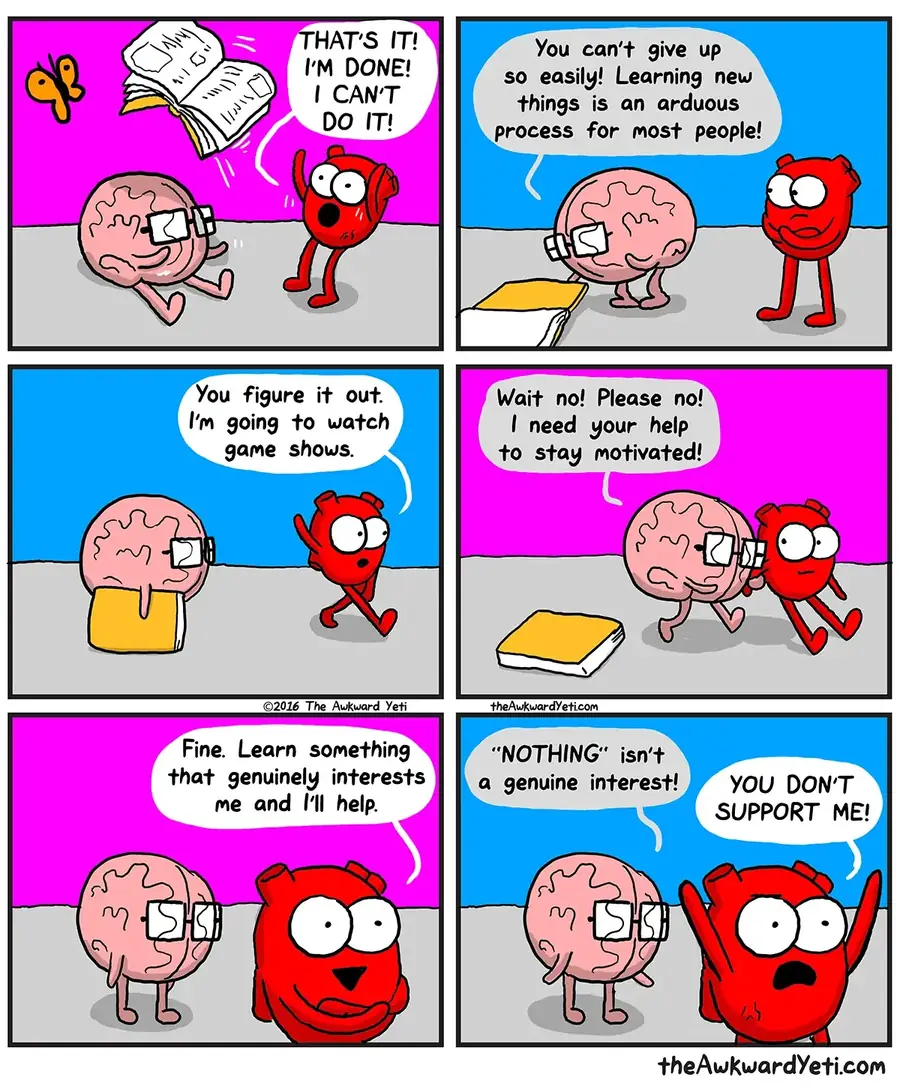
What are comics?
Comics are a medium, not a genre. At its core, a comic is a sequence of illustrations combined with text, designed to tell a story or convey a message.
- Cartoons: Short, often humorous illustrations using simple imagery and minimal text to convey complex ideas with brevity.
- Comics: Serialized stories combining illustrations and dialogue, relying on the relationship between narrative and visuals.
- Graphic Novels: Longer, more elaborate narratives in comic format offering deeper storylines. Cover genres from memoirs to fiction.
- Zines: DIY, self-published booklets focusing on niche topics with a raw, authentic feel.
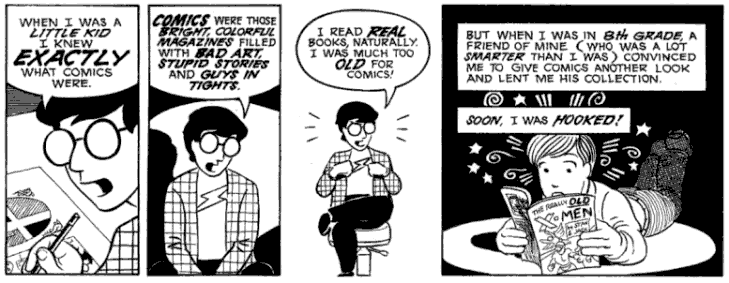
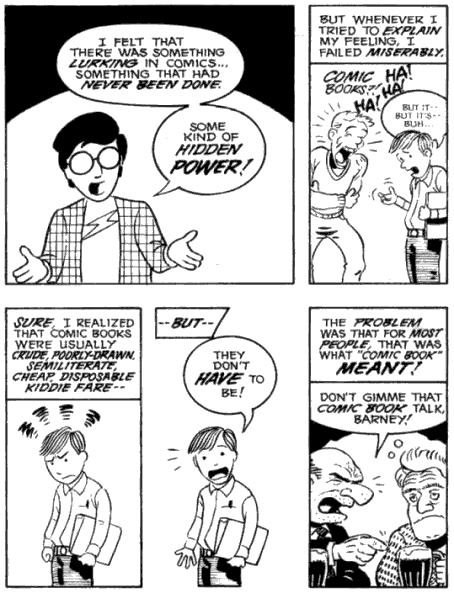
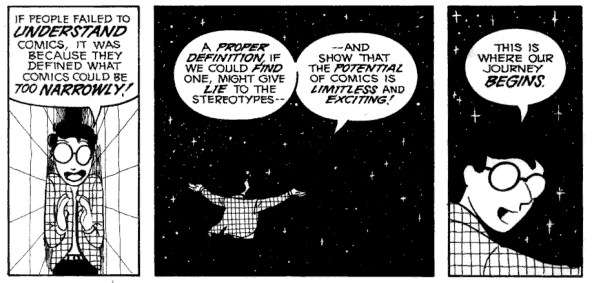
Understanding Comics — Scott McCloud
The history of comics — A 1-minute overview
Comics emerged in the late 19th century, with The Yellow Kid (1895) considered one of the first newspaper comic strips. Superheroes like Superman and Batman dominated the 1930s–40s Golden Age. The 1970s–80s brought graphic novels as a literary form, with pivotal works including Maus by Art Spiegelman and Persepolis by Marjane Satrapi. Influential creators like Robert Crumb, Alison Bechdel, Harvey Pekar, Joe Sacco, Charles Burns, Lynda Barry, Chester Brown, and Adrian Tomine expanded comics beyond superheroes into personal, social, and political narratives. Zines thrived in punk and counterculture movements as raw, self-published works that reflected subcultural voices.
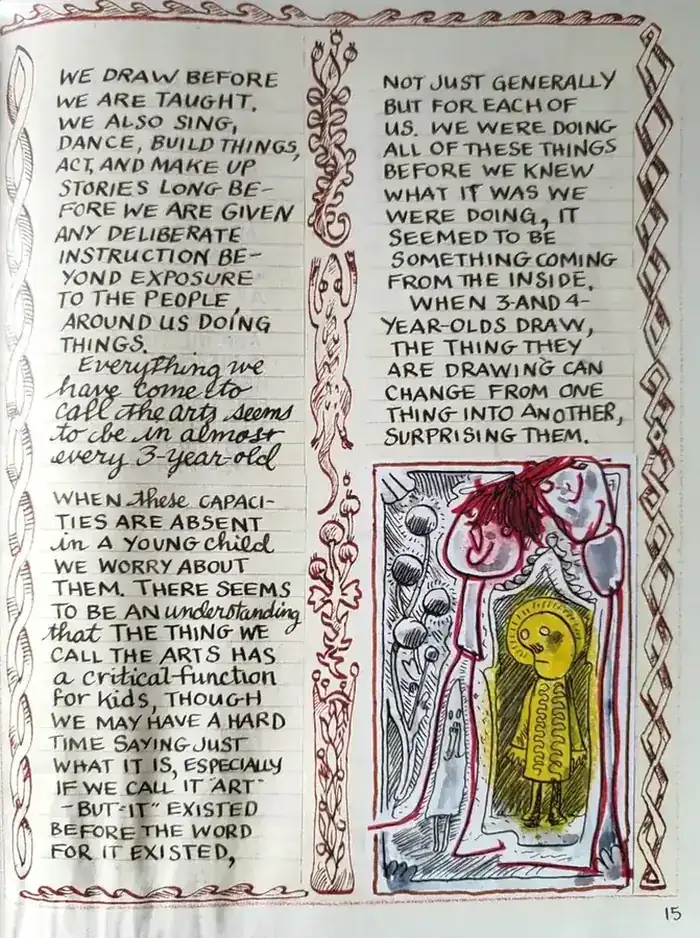
Making Comics — Lynda Barry
Instructional Comics
Instructional comics are designed specifically to educate and inform, combining storytelling with structured learning objectives. They use characters, dialogue, and visual sequences to create a narrative-driven experience.
Will Eisner categorizes instructional comics into two primary types: Technical Comics, for teaching processes or tasks using step-by-step visual explanations, and Attitudinal Comics, for soft skills, behaviors, and social interactions.
Sub-types include:
Procedural Comics — Highly visual, breaking down steps sequentially.
Conceptual Comics — Simplify abstract ideas or theories using metaphor and analogy.
Exploratory Comics — Invite learners to engage creatively and think critically.
Interactive Comics — Engage learners through puzzles, branching paths, or decision-making.
Influential figures in Instructional Comics
Will Eisner — Pioneer of instructional comics in the 1940s, creating military training manuals that demonstrated comics’ educational potential.
Scott McCloud — Author of Understanding Comics, a foundational analysis of sequential art mechanics with direct applications for instructional design.
Kevin Thorn — Advocates for story-driven instructional comics in eLearning.
Lynda Barry — Uses comics to inspire creativity and introspection in learners.
Gene Luen Yang — Teaches coding through narrative storytelling, demonstrating comics’ power across disciplines.
Why are comics powerful for LXDs?
Multi-modal Learning — Combine text and visuals, engaging multiple learning pathways (Dual Coding Theory).
Engagement through narrative — Humans are naturally drawn to stories; comics deliver narratives in a visually rich format.
Cognitive load management — Breaking content into panels helps learners focus on one idea at a time.
Universal appeal — Simple, often universal imagery can transcend language and cultural barriers.
Flexibility across topics — Can represent a wide range of subjects through text, imagery, and symbolism.
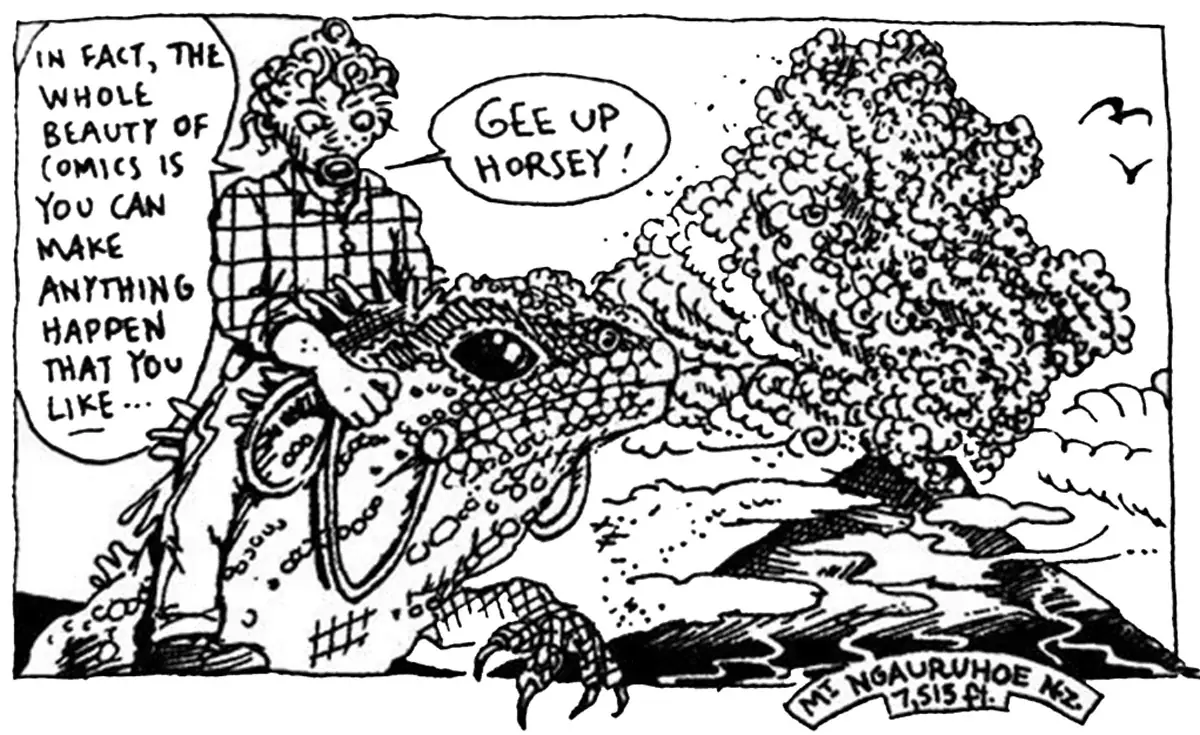
The truth about comics — Dylan Horrocks
Strategies for integrating Comics into LXD
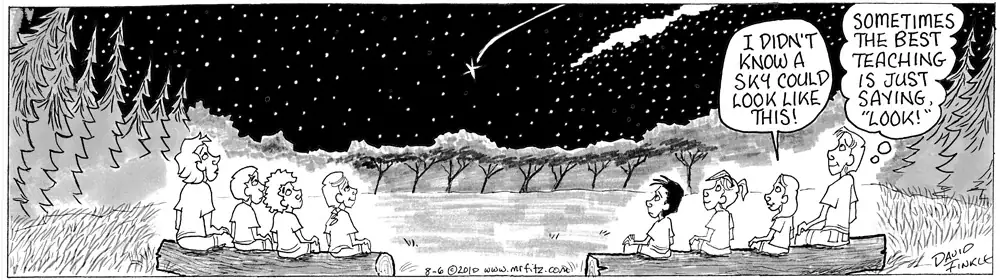
Mr. Fitz — David Lee Finkle
Framing with panels
Breaking content into sections controls pacing and focus. Use traditional panels to divide step-by-step instructions, asymmetrical panels to highlight key moments, and interactive panels in e-learning where learners reveal information as they progress.
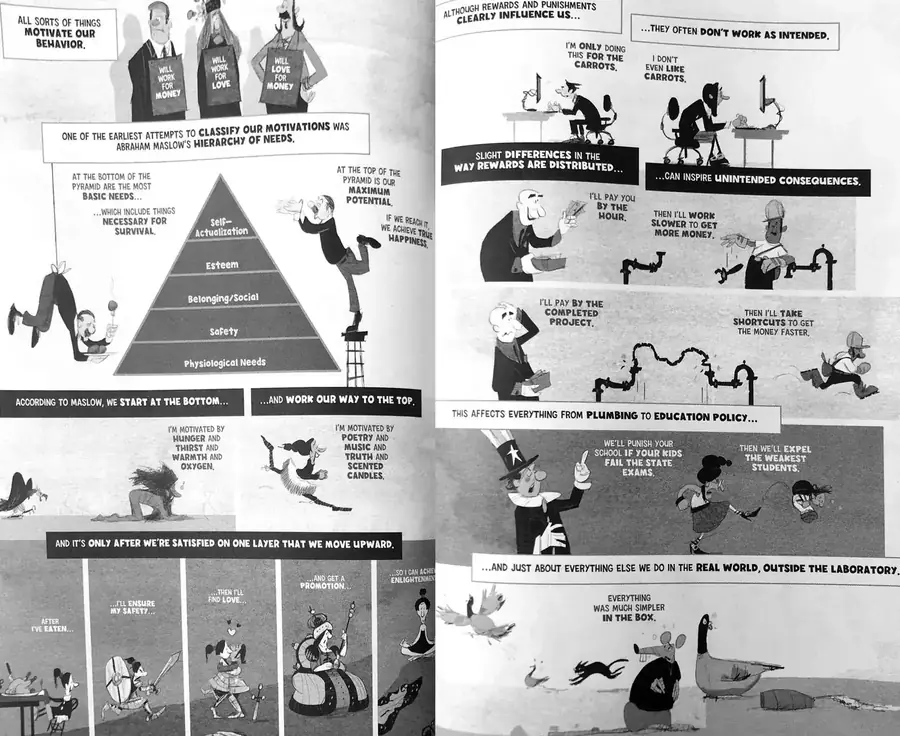
Psychology: The Comic Book Introduction — Grady Klein and Danny Oppenheimer, Ph.D.
Juxtaposing text and imagery
Use simple images alongside short text to explain complex concepts (aligns with Dual Coding Theory). Metaphorical visuals make abstract ideas more relatable.
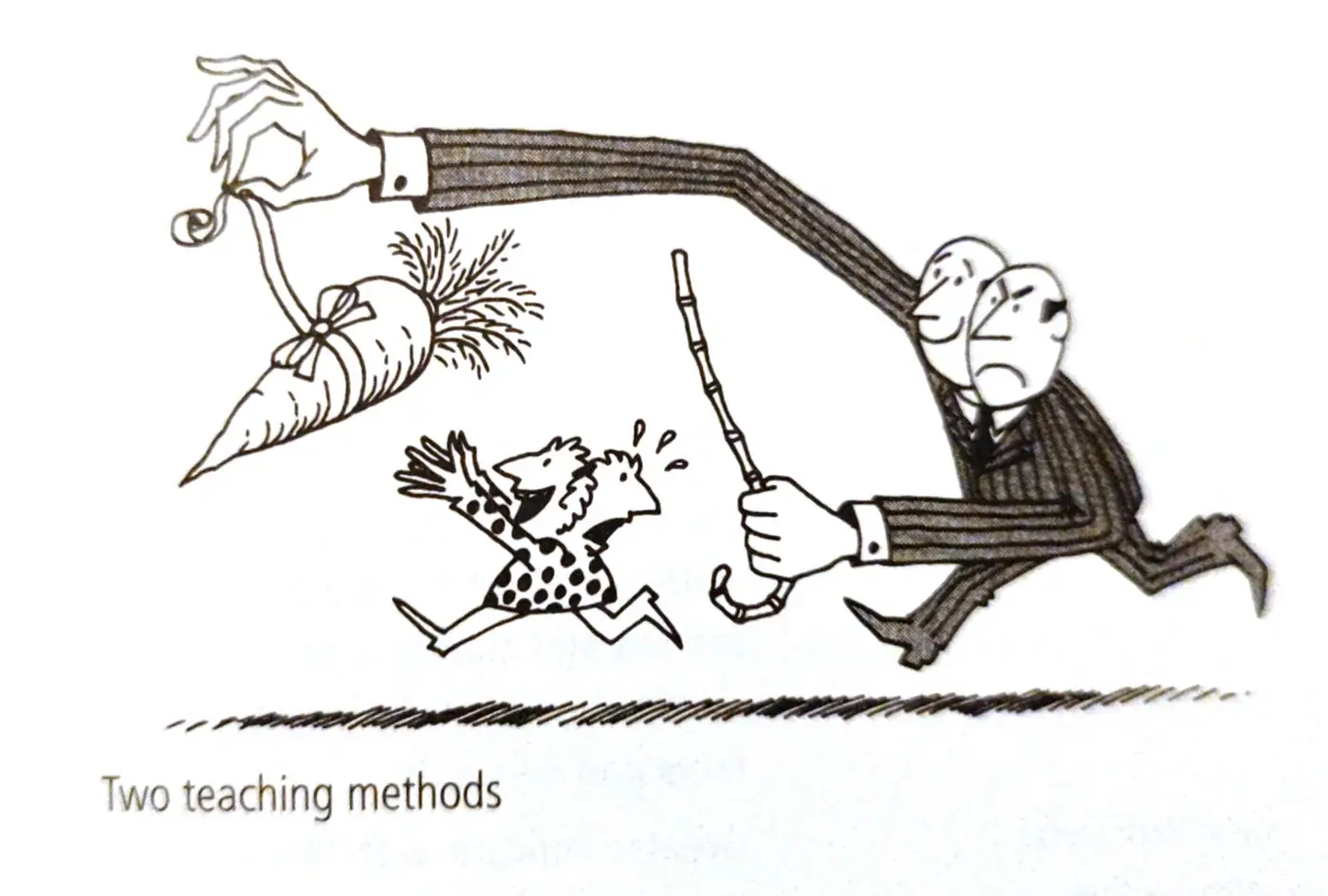
Two teaching methods — Psychology for Teaching
Flow with gutters
The space between comic panels — known as the gutter — signals transitions and invites learners to fill in narrative gaps. In learning contexts, this visual and temporal space allows learners to reflect and process information before moving on. Apply this by:
- Adding white space between learning sections to signal transitions
- Incorporating reflective prompts between panels or content blocks
- Using different gutter sizes to pace content: wider gaps for reflection, smaller for fast-paced sequences
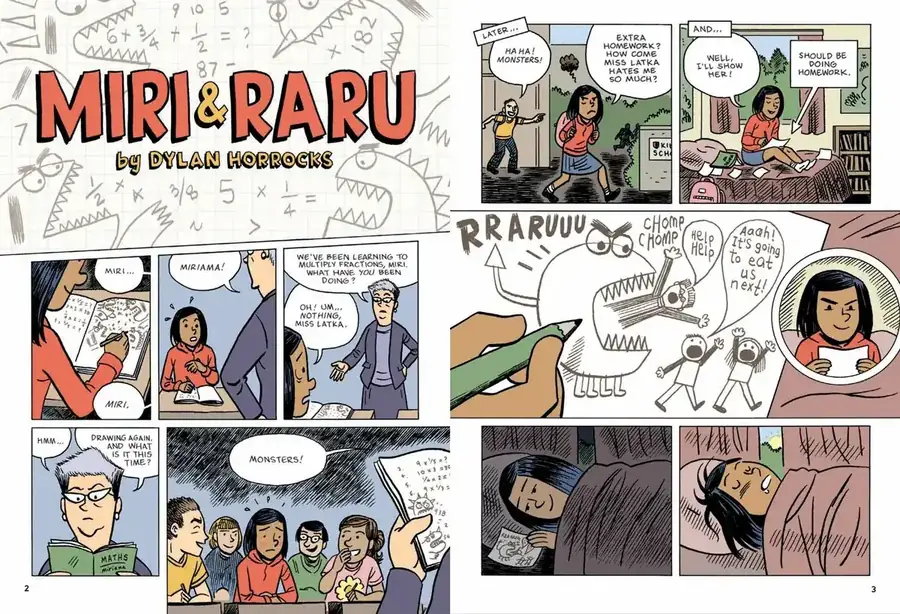
Miri and Raru — Dylan Horrocks
Use of a limited color palette
Highlight essential concepts with a single dominant color. Use color to evoke emotions — red for urgency, blue for calm, green for success — and ensure accessibility by considering colorblind learners.
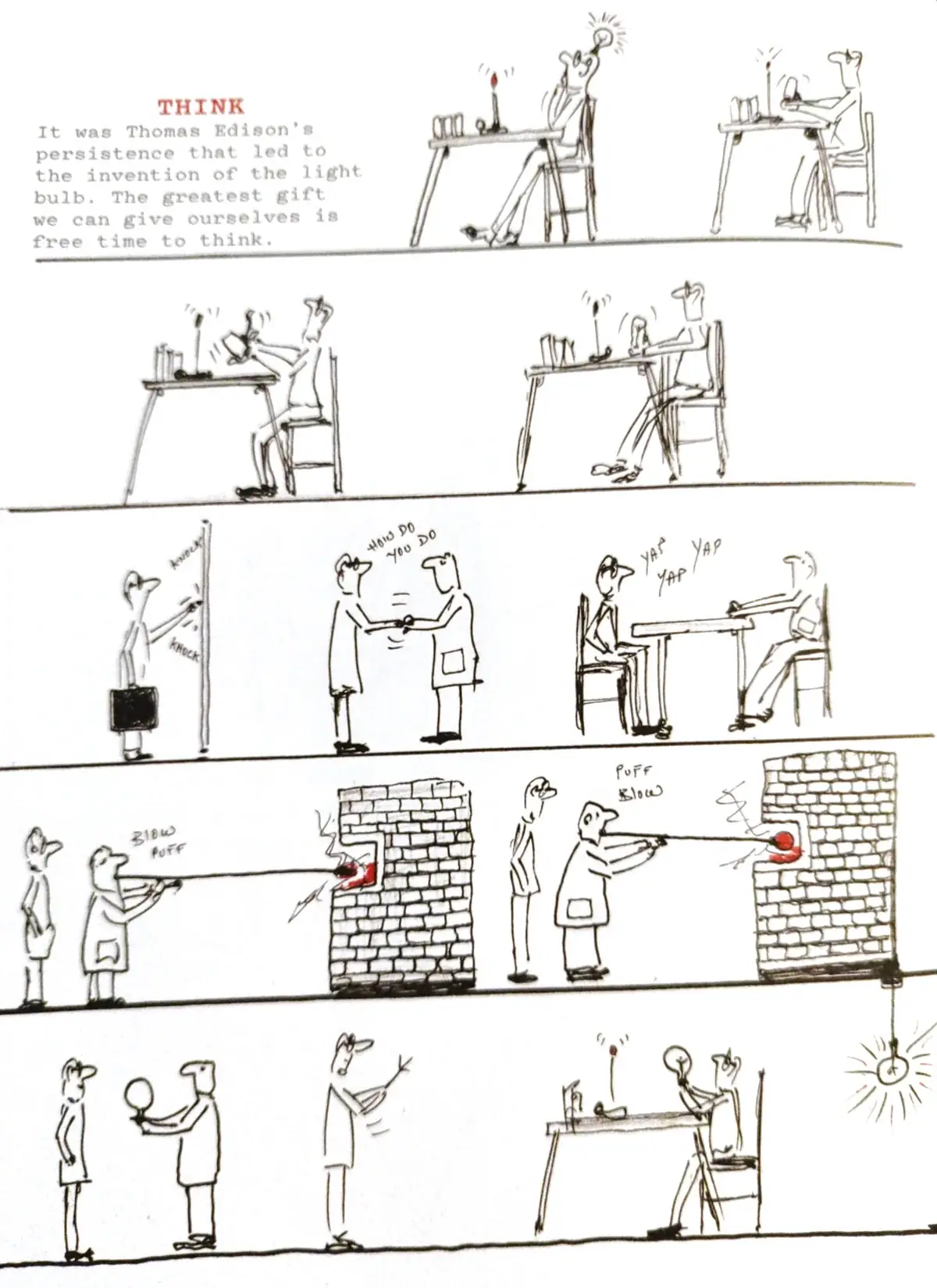
Catch & Release — Michael Hill
Character-based learning guides
Create an expert guide or relatable peer character to explain concepts. Use an avatar or animated character to lighten the mood. Maintain consistency in character design to build familiarity and trust.
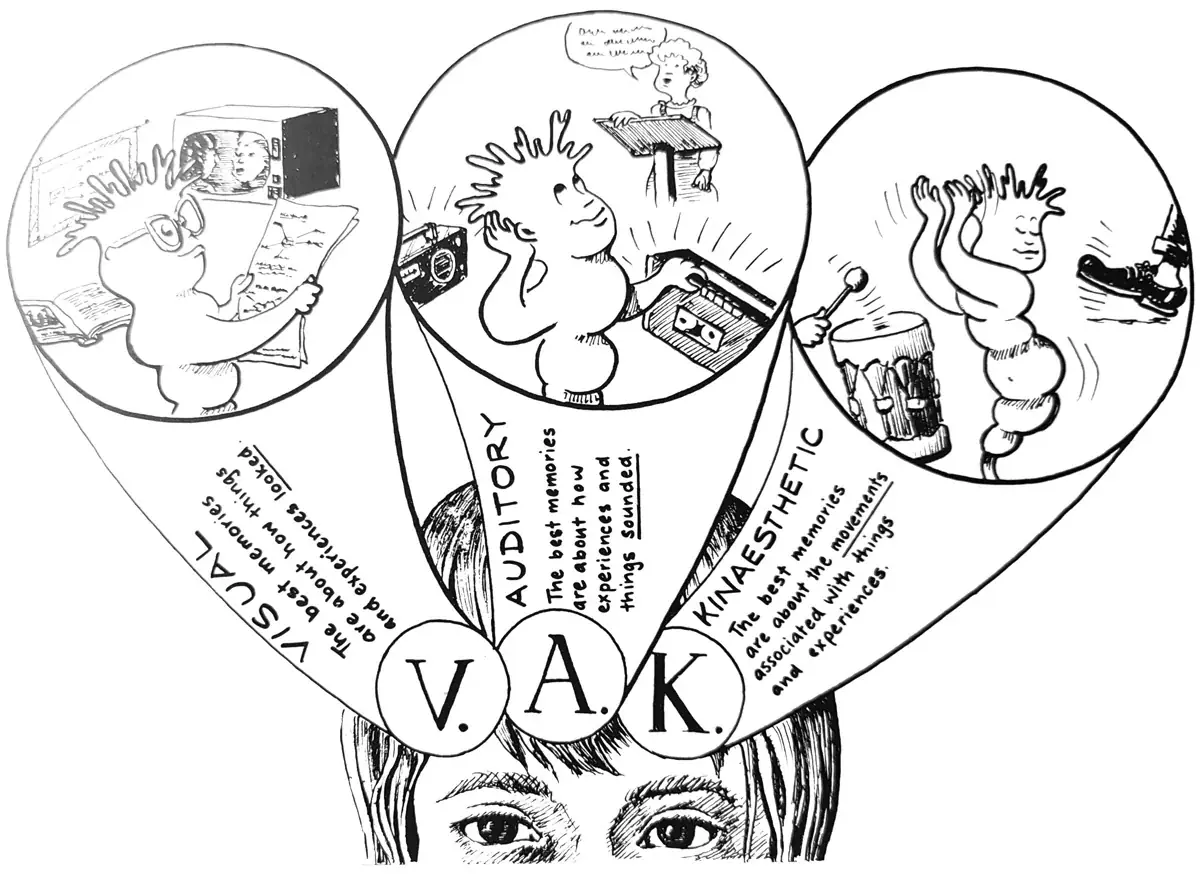
Personal learning style — Learning to Learn, Christine Ward and Jan Daley
Minimal text for impact
Use concise language supported by visuals. Replace long text descriptions with images, diagrams, or infographics when possible.
Connecting decisions to outcomes
Present decision points with varied outcomes demonstrating cause-effect relationships. From a behaviorist perspective this reinforces core principles; from a constructivist view learners actively construct knowledge.
Character-driven narratives
Use a character to act as guide, mentor, or narrator. Characters can represent different perspectives in branching scenarios.
Symbolism through repetition
Recurring visual symbols, motifs, or icons create cognitive anchors that reinforce key concepts across a learning experience. Repeated visual elements help learners quickly recognize patterns, themes, or concepts without needing additional text explanation. Use consistent icons for warnings, tips, or key takeaways; repeat character expressions or poses to signal emotional states; and establish a visual vocabulary that learners learn to decode over time.
Tools for creating comics
Finally, let’s explore some resources and tools that can help bring your comic-based learning designs to life. Whether you’re looking to practice your drawing skills, design your own comics, or even create interactive comic experiences for your learners, these resources can offer a variety of ways to get started.
Discovering and practicing drawing
- Quick, draw! By Google: Play this simple game (or share it with your learners) so they can explore their own drawing and try their hand at this discipline, easily and without pressure, with instant feedback from an AI that has collected millions of drawings.
- Guess the line, by Google Experiments: Another AI drawing experiment — a simple game where AI judges your drawing skills.
Drawing comics
- Adobe Photoshop & Illustrator: Industry-standard tools for comic creation. Illustrator is perfect for clean, scalable vector-based comic illustrations, while Photoshop provides extensive brush customization, layer management, and visual effects for detailed coloring and shading.
- Procreate: A powerful iPad app that has become a favorite for digital illustrators. It offers layers, brushes, and animation tools perfect for comic-style art.
- Sketchbook: A beginner-friendly tool with a clean interface and all the essentials for sketching, ideal for learning the basics of comic illustration.
- Storyboard That: A user-friendly platform with pre-designed templates and characters, making it easy to create storyboards or comics without extensive art skills.
- Krita: A free and open-source painting program with customizable brushes, a comic panel feature, and advanced editing options — a powerful choice for detailed, high-quality comic art.
Creating interactive comics
- Questiory: A tool to create interactive presentations that allows multiple users to contribute to a comic without having to log in — a good option for creating social/collaborative comics that engage readers interactively.
- iSpring: With their custom Character Builder tool and the versatility of all iSpring and PowerPoint features combined — including custom interactions, pre-made scenarios, and an easy-to-use interactive scenario builder — iSpring makes a handy tool for creating animated, interactive comic stories.
- Articulate Storyline: With features like branching, animations, and customizable interactions, Storyline makes it easy to design engaging, choice-driven comic narratives that immerse readers in the story.
- Twine: Ideal for interactive storytelling — Twine’s branching paths let you create comics with multiple outcomes, ideal for scenario-based learning.
Key Questions Answered
The most commonly asked questions about this topic, concisely answered.
- Comics engage multiple learning pathways simultaneously through text and visuals (Dual Coding Theory), manage cognitive load by breaking content into focused panels, and use narrative to make concepts memorable. They are flexible across topics — from compliance training to leadership development — and can transcend language and cultural barriers through universal imagery.
- Cartoons — short, humorous single images using minimal text to convey an idea quickly
- Comics — serialized sequences combining illustrations and dialogue to tell a story
- Graphic novels — longer, more elaborate narratives covering memoirs, fiction, or educational topics
- Zines — DIY self-published booklets with raw, niche content often used for social or subcultural learning
- Instructional comics are purposefully designed to educate. Will Eisner identified two primary types: Technical Comics (step-by-step visual processes) and Attitudinal Comics (soft skills and behavior modeling). Sub-types include procedural, conceptual, exploratory, and interactive comics — each suited to different learning objectives and content types.
- Comics align with several established theories:
- Dual Coding Theory — simultaneous text and image processing deepens encoding
- Cognitive Load Theory — panels reduce information overload by chunking content
- Constructivism — decision-point comics let learners actively construct knowledge through choices
- Behaviorism — cause-and-effect panels reinforce behaviors through visible consequences
- Many tools require no drawing ability at all:
- Canva and Adobe Express — drag-and-drop comic templates
- Pixton and Storyboard That — character-based comic builders for education
- MakeMyComic — simple panel-based creation
- Google Quick Draw — AI drawing tool to explore and practice sketching
- The gutter is the space between comic panels. It signals transitions and invites readers to mentally fill in the gap — a form of active inference. In learning design, gutters can be used to create reflective pauses between content sections, control pacing, and prompt learners to process information before moving on. Wider gutters signal more significant transitions.
- Notable examples include:
- Maus (Art Spiegelman) — Holocaust history through graphic narrative
- Understanding Comics (Scott McCloud) — meta-analysis of sequential art applicable to ID
- Gene Luen Yang's coding comics — teaching programming through narrative
- Will Eisner's military training manuals — early instructional comics from the 1940s
- Psychology: The Comic Book Introduction (Grady Klein) — academic concepts in accessible visual form
- Comics excel at simplifying complexity through metaphor and analogy — visual representations make abstract ideas concrete. Conceptual comics use symbolic imagery to illustrate theories (e.g., showing cognitive load as a full backpack). Limiting text forces writers to distill ideas to their essence, which itself improves clarity and learner comprehension.
- Common pitfalls include:
- Treating comics as decoration rather than an intentional instructional medium
- Using too much text, negating the visual advantage
- Creating stereotyped or non-inclusive characters
- Ignoring color accessibility for colorblind learners
- Using humor inappropriately for serious or sensitive content
- Neglecting narrative coherence — panels must flow logically to support comprehension
- Comics are highly effective for adult learners. Graphic novels like Persepolis and Maus demonstrate their capacity for complex, mature themes. In workplace learning, comics are particularly effective for scenario-based soft skills training — depicting nuanced interpersonal situations — and for compliance training where narrative engagement improves both attention and retention.
- Use a limited palette — typically two to three dominant colors — to maintain visual coherence and reduce distraction. Color should be purposeful: red for urgency or danger, blue for calm and trust, green for success or go-ahead. Always check contrast ratios for accessibility and use colorblind-safe palette tools like Coolors or Adobe Color to verify your choices work for all learners.
- Yes — AI image generators like Midjourney, DALL-E, and Adobe Firefly can create comic-style illustrations from text prompts. AI tools like Pixton and Canva also offer comic templates with customizable characters. The challenge is maintaining character consistency across panels — which remains difficult with most AI tools. For professional results, consider using AI for initial concepts and refining with dedicated comic creation tools.
- Comics leverage Dual Coding Theory — combining visual and verbal information to create stronger memory traces. They use sequential art to make abstract concepts concrete, create emotional connection through characters, and give learners control over pacing (unlike video). Research shows comics are particularly effective for explaining processes, illustrating social scenarios, and making compliance content engaging.